


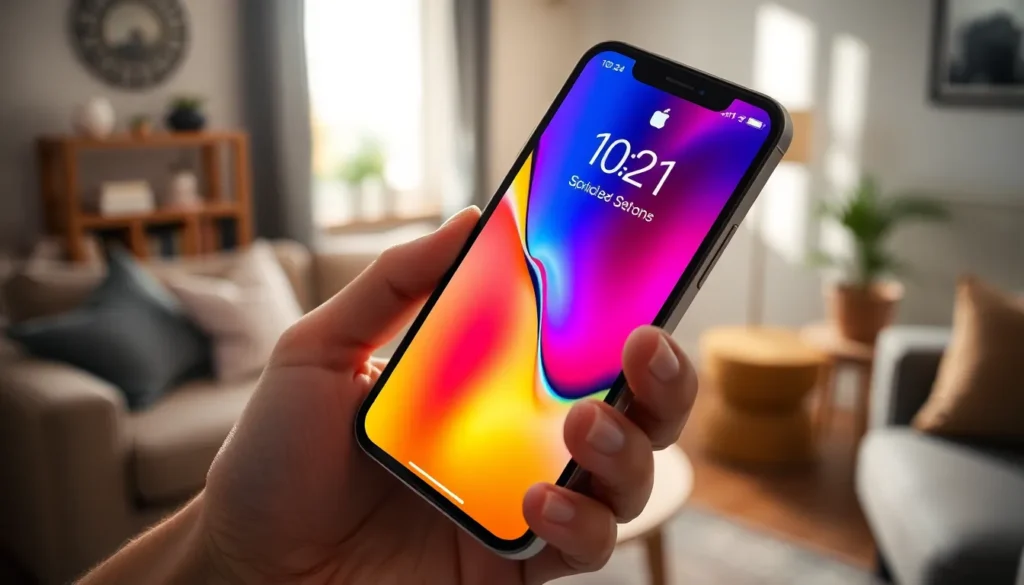
Imagine unlocking your iPhone and being greeted by a motivational quote or a reminder that makes you chuckle. Customizing your lock screen isn’t just about aesthetics; it’s about infusing a bit of personality into your device. Whether it’s a daily affirmation or a hilarious inside joke, writing something on your lock screen can spark joy every time you glance at your phone.
Understanding Lock Screen Customization
Customizing the iPhone lock screen enhances user experience. Users can express their personality while gaining quick access to essential information.
Benefits of Personalizing Your Lock Screen
Personalization offers several benefits. A customized lock screen can provide daily motivation through inspiring quotes. It creates a more enjoyable encounter with the device each time it’s unlocked. Users may feel a deeper connection to their phones resulting from this unique touch. Additionally, humorous messages can lighten the user’s mood during busy days. Ultimately, lock screen customization allows for self-expression in daily life.
Common Lock Screen Features
Several features make lock screens functional and appealing. Users can set wallpapers that reflect personal taste or current themes. Notifications display important alerts without needing to unlock the device. Widgets provide quick access to calendar events and weather updates. In addition, shortcuts for often-used apps streamline daily tasks. Users can also choose from various clock styles to enhance aesthetics. Together, these features create a custom experience tailored to individual preferences.
How to Access Lock Screen Settings
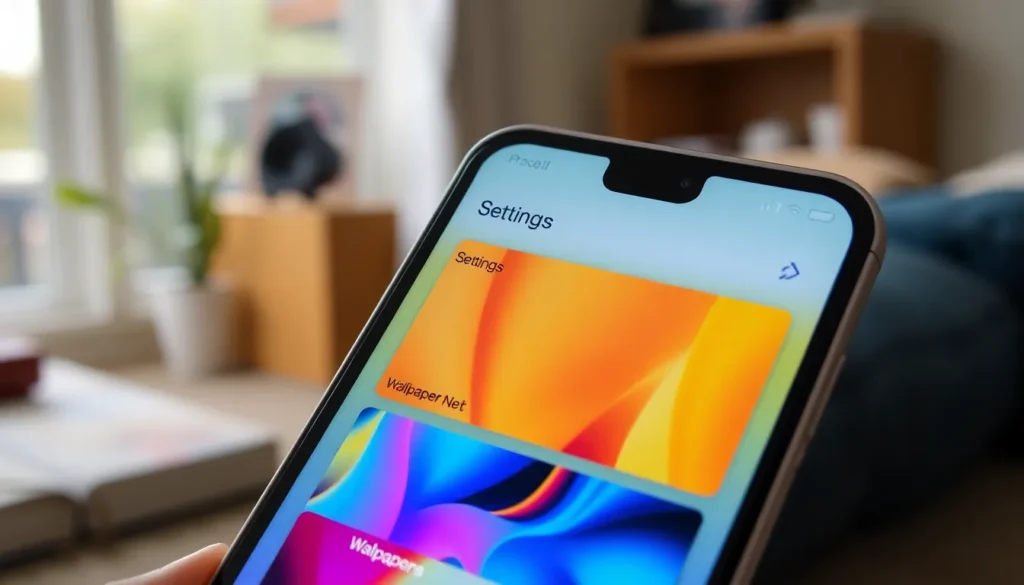
Accessing lock screen settings on an iPhone allows for customization that enhances the user experience. It only takes a few simple steps to navigate through.
Navigating to Your Settings
Begin by locating the Settings app on your iPhone. This app typically appears as a gear icon on the home screen. Tap the icon to open Settings, where various options for your device appear. Scroll down the menu until you see “Wallpaper” or “Display & Brightness,” depending on your iOS version. Selecting this option leads directly to the customization settings for your lock screen.
Finding the Lock Screen Options
Within the Wallpaper settings, users find options to choose a new wallpaper. Tap “Choose a New Wallpaper” to display albums containing dynamic, still images, or your photo library. While in this menu, users can select a preferred image for the lock screen. After choosing an image, look for the “Set” option, where users can select “Set Lock Screen.” This action confirms the wallpaper and customizes the lock screen according to personal preferences.
Writing Something on Your Lock Screen
Personalizing the lock screen on an iPhone allows for creative expression. Adding unique text can make your device truly yours.
Using Notes App for Quick Ideas
The Notes app serves as an effective tool for jotting down quick ideas. Users can open the app, write a memorable quote or reminder, and save it. Once a note is created, take a screenshot of it. The screenshot can then be used as a lock screen wallpaper, integrating ideas directly into daily views. This method not only ensures visibility but also keeps users motivated throughout the day.
Customizing with Widgets
Widgets enhance the functionality of the iPhone lock screen by providing essential information at a glance. Users can add various widgets, such as calendar events or weather updates, to create a tailored experience. Access the widget gallery through the lock screen customization settings to select preferred options. Drag and drop widgets onto the lock screen for quick access. This practical approach makes the lock screen not only visually appealing but also informative, maximizing user interaction.
Using Third-Party Apps
Third-party apps offer additional options for adding text to an iPhone’s lock screen. Many apps specialize in customizing wallpapers with personal messages, making it easy to create a unique look.
Recommended Apps for Lock Screen Text
Canva stands out for its user-friendly interface, allowing users to design wallpapers with text. This app provides various templates and design tools for personalization. Another option is Zedge, which features a large variety of wallpapers and allows for text overlays. Users find its extensive collection appealing and straightforward to navigate. Additionally, Wallpaper Maker offers customization features specifically tailored for lock screens, providing advanced fonts and design elements.
How to Install and Use These Apps
To begin, users can search for the recommended apps in the App Store. Once they find the desired app, tapping “Get” or the cloud icon starts the download. After installation, opening the app presents design options. Users can easily create their wallpapers by selecting the template, adding text, and customizing fonts and colors. Finally, saving the newly created wallpaper ensures it is available in the Photos app for setting as the lock screen background.
Tips for Effective Lock Screen Messages
Customizing lock screen messages effectively enhances the overall experience. Consider these essential tips for crafting the perfect message.
Choosing the Right Font and Color
Select a font that’s easy to read at a glance. Bold, sans-serif fonts improve legibility, especially in various lighting conditions. Colors also play a crucial role; opt for high contrast between the text and background. White text on dark backgrounds or black text on light backgrounds works best. Experiment with different styles until you find what resonates. Utilizing apps like Canva can help visualize how different font and color combinations will appear on the lock screen.
Keeping It Concise and Clear
Messages should be brief and to the point. Aim for five to ten words that capture the essence of what you want to convey. Whether it’s a motivational quote or a reminder, clarity enhances impact. Avoid complex phrases; simple wording sticks in your mind better. Direct and meaningful messages ensure that each glance provides the motivation or information intended. Regularly update the messages to keep them relevant and inspiring.
Customizing the lock screen on an iPhone can transform the way users interact with their devices. By adding personalized messages or quotes users not only enhance their daily experience but also create a unique reflection of their personality. The process is straightforward and can be tailored to suit individual tastes through various apps and settings.
Whether it’s a motivational phrase to kickstart the day or a funny reminder to lighten up, these small touches can make a significant difference. Regular updates ensure the messages stay fresh and relevant, keeping the user engaged. With creativity and a bit of effort anyone can turn their lock screen into a source of inspiration and joy.